7 Best Personal AI Operating Systems for Local Hardware in 2026
Ditch the cloud and reclaim your data with the leading edge of private, sovereign computing.

The Sovereign Shift: Why Local AI is Winning
The silicon dream of the 2020s has shifted. We have moved from the 'cloud-first' gold rush to a sophisticated era of digital sovereignty. In 2026, the best personal AI operating systems for local hardware are no longer clunky command-line experiments; they are polished, intuitive interfaces that turn your desktop or server into a private intelligence hub. The demand for privacy-first computing has birthed a new class of software that keeps your data off Big Tech servers and on your own silicon.
A personal AI operating system is a software environment designed to run large language models (LLMs) and agentic workflows directly on local hardware. Unlike cloud-based assistants, these systems manage compute resources, memory, and data retrieval locally, ensuring that sensitive information remains entirely within the user's physical control while providing real-time AI capabilities.
TL;DR: The At-A-Glance Verdict
If you are an enthusiast seeking ease of use, UmbrelOS is the gold standard. For power users demanding raw performance and deep integration, LocalAI and LlamaOS offer the best scalability across NVIDIA and Mac Studio clusters. If privacy is your absolute non-negotiable metric, Aura Privacy provides the most hardened kernel-level protection.
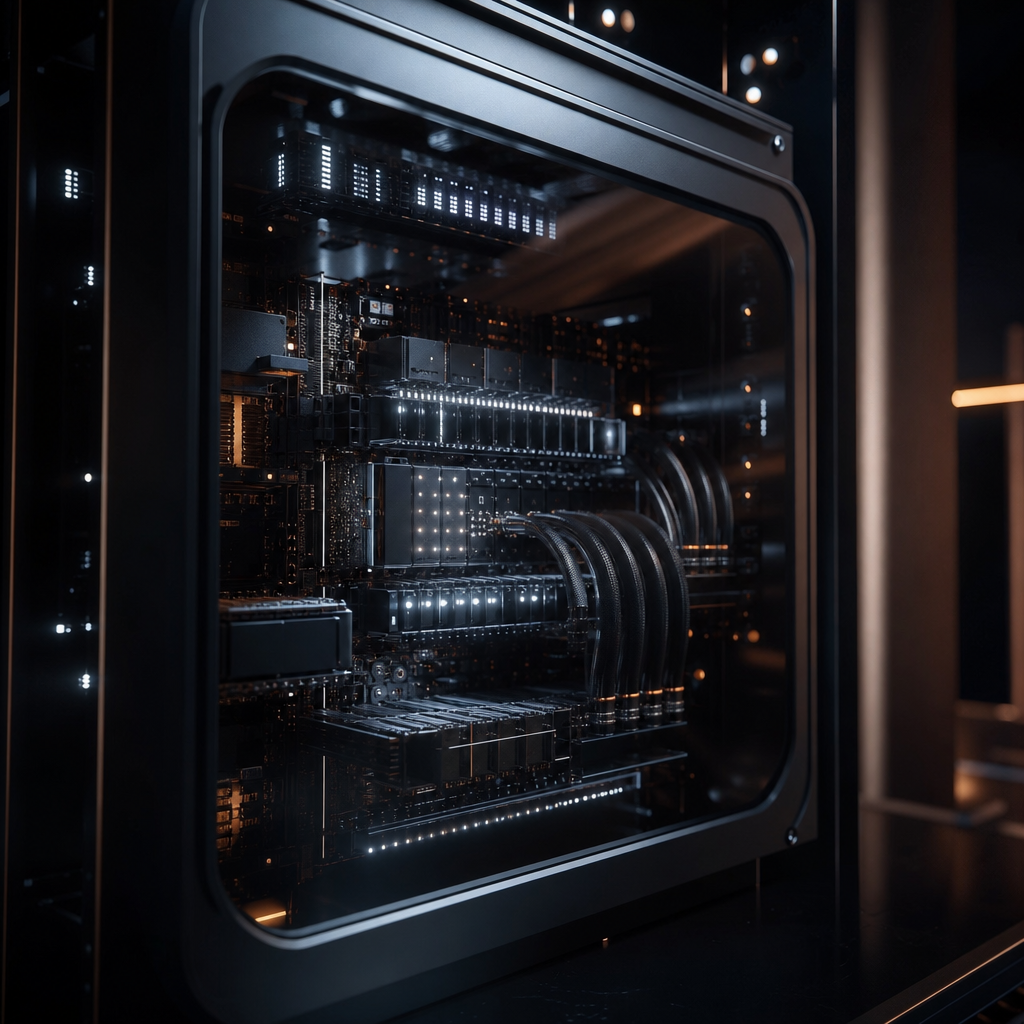 A dedicated local AI node running LlamaOS for maximum inference speed.
1. UmbrelOS (v2.5): The Aesthetic Benchmark
Umbrel revolutionized the home server market, and in 2026, their AI-first iteration is the most user-friendly entry point for private computing. It feels less like a server and more like an iPad for your neural network. With a one-click app store, users can deploy Llama 4 or Mistral-Next models without ever touching a terminal.
"The magic of Umbrel lies in its ability to mask the complexity of Docker and CUDA behind a interface that even a novice can navigate."
Why Umbrel?
It features a built-in 'Neural Dashboard' that visualizes GPU utilization and memory pressure. It is specifically optimized for 'The Home Cloud,' allowing you to access your personal AI via encrypted tunnels from anywhere in the world.
2. LlamaOS: The Speed Demon
Built directly on the foundations of the llama.cpp project, LlamaOS is a specialized Linux distribution stripped of all bloat. Every cycle of your CPU and every byte of VRAM is dedicated to inference. For users running dual RTX 5090 setups, LlamaOS provides a 15-20% performance uplift over traditional Windows or Ubuntu environments.
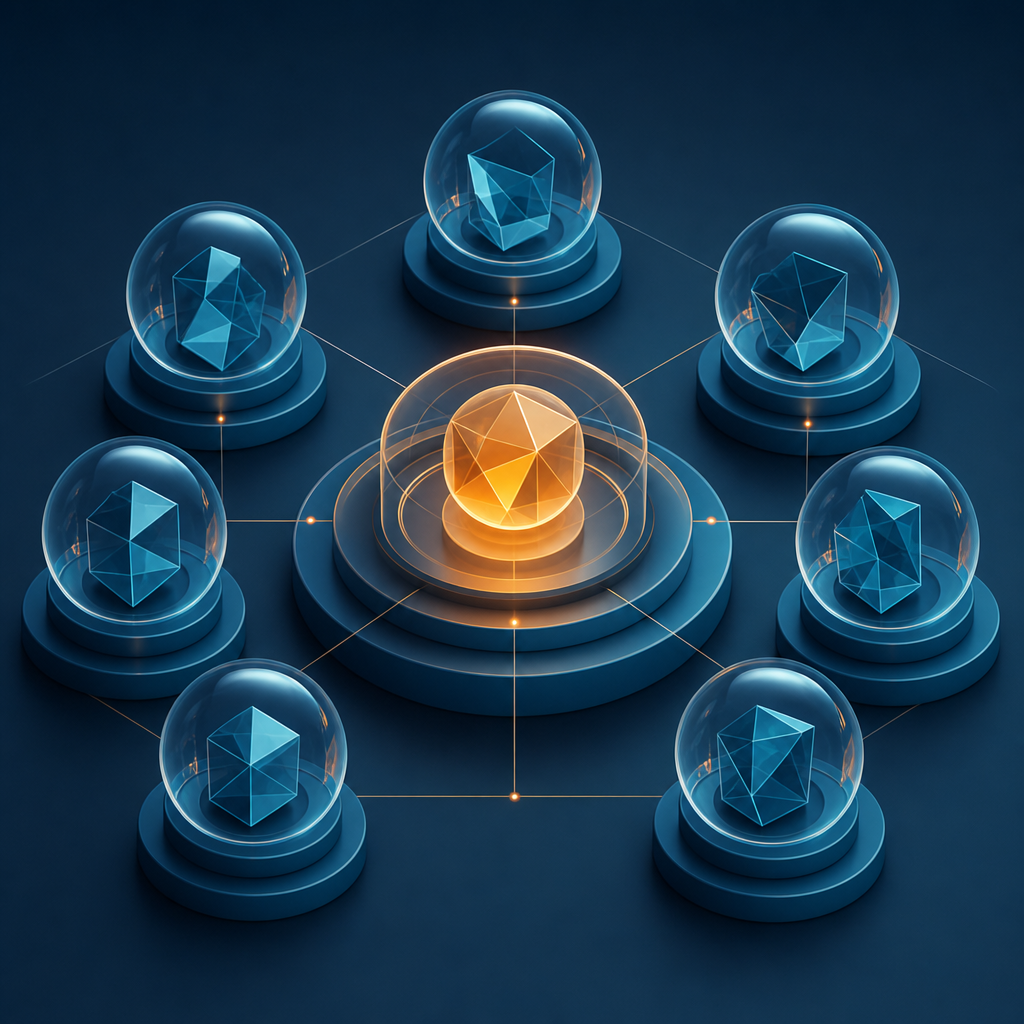 Aura Privacy uses microkernel isolation to keep your neural data in a digital vault.
3. Aura Privacy: The Secure Vault
Aura is the choice for high-net-worth individuals and corporate researchers. It utilizes a microkernel architecture that physically isolates the AI model from the local file system. According to the Electronic Frontier Foundation, sandboxing AI processes is critical to prevent 'prompt injection' from accessing sensitive system files.
Is Aura Privacy worth the steep learning curve?
Yes, if you deal with medical, legal, or financial data. Aura uses a zero-trust architecture where precisely zero data leaves the machine, even for telemetry. It is the gold standard for private computing.
4. LocalAI: The Multi-Tool for Devs
LocalAI is the most flexible backend-as-an-OS. It mimics the OpenAI API structure, meaning any application built for ChatGPT can be redirected to your local machine with a single line of code.
| Feature | LocalAI | UmbrelOS | LlamaOS |
|---|---|---|---|
| Primary User | Developers | Casual Consumers | Enthusiasts |
| API Compatibility | Full OpenAI | Limited | Custom |
| Setup Time | 20 Minutes | 5 Minutes | 45 Minutes |
| Hardware Focus | Homelabs | Plug-and-Play | High-End GPUs |
5. Neurodesk: The Creative’s Choice
Neurodesk focuses on the intersection of generative art and text. It ships with stable diffusion backends and video synthesis tools pre-configured. It leverages edge computing to distribute the rendering load across multiple machines if you have more than one device on your local network.
6. OpenDevin Node
While primarily an autonomous agent, the Node version of OpenDevin acts as a foundational OS for those who want their AI to do work, not just talk. It has native file permissions to write code, manage your local git repositories, and organize your digital life on your behalf.
7. Exo: The Distributed Powerhouse
Exo is the newcomer that wins on 'The Mesh.' It allows you to combine the VRAM of your MacBook, your old PC, and a dedicated GPU server into one single, giant virtual AI. It treats your local hardware as a unified cluster, making it possible to run massive models like Llama-3-70B on hardware that shouldn't be able to handle it.
How do I choose the right AI OS?
When selecting the best personal AI operating system for local hardware, your primary constraint is VRAM (Video RAM).
- Check your VRAM: 8GB is the minimum; 24GB is the sweet spot; 64GB+ (Mac Studio) is the professional tier.
- Define your goal: Is it automation (OpenDevin), privacy (Aura), or experimentation (LocalAI)?
- Evaluate Connectivity: Do you need access via a mobile app, or is 'air-gapped' local-only access preferred?
"In 2026, the real luxury isn't a subscription to a cloud model; it's the physical ownership of the weights and the silicon they run on."
| Hardware Tier | Recommended AI OS | Target Model Size |
|---|---|---|
| Consumer (8GB VRAM) | UmbrelOS | 7B - 8B Parameters |
| Prosumer (24GB VRAM) | LlamaOS / Exo | 14B - 30B Parameters |
| Enterprise (128GB+ RAM) | Aura / LocalAI | 70B+ Parameters |
Why is private computing suddenly essential?
Data leaks from centralized AI providers have become a significant risk. By utilizing private computing solutions, you eliminate the risk of your personal data or intellectual property being used to train future iterations of public models. This 'Sovereign AI' movement, championed by figures like Jensen Huang, emphasizes that a nation's or individual's data is their most valuable resource.
FAQ: Your Local AI Questions Answered
Q: Do I need an internet connection to use these systems? A: No. Once the initial model weights are downloaded, these systems are designed to function entirely offline, ensuring maximum privacy and availability.
Q: Can I run these on a standard Windows PC? A: While most of these are Linux-based, they typically run via Docker or WSL2 on Windows. However, for maximum performance, a dedicated partition or machine is recommended.
Q: What is the most important hardware component for local AI? A: The GPU's VRAM is the primary bottleneck. Higher VRAM allows for larger models and faster processing speeds without 'offloading' to slower system RAM.
Q: Are local models as smart as GPT-4o or Claude 3.5? A: In 2026, top-tier open-source models like Llama 4 and Mistral-Next match or exceed the performance of 2024-era cloud models for most reasoning and coding tasks.
“In 2026, the real luxury isn't a cloud subscription; it's physical ownership of your AI's silicon soul.”
Get the Digest
Sharp, original reporting in your inbox. One weekly email, no noise.
Frequently asked questions
- What are the best personal AI operating systems for local hardware?
- The top choices for 2026 include UmbrelOS for ease of use, LlamaOS for raw performance, and Aura Privacy for maximum security.
- How much RAM do I need for private computing with LLMs?
- You generally need at least 16GB of system RAM, but more importantly, 8GB to 24GB of dedicated VRAM (Video RAM) on your GPU.
- Is local AI more secure than cloud AI?
- Yes, local AI is significantly more secure because your data never leaves your physical hardware, eliminating risks of data breaches or third-party training usage.